Giới thiệu

Leverage our facial recognition technology to provide you with precise and efficient AI security solutions

     SIMPO-DATA Technology is a company specializing in the application of AI in the security field, offering AI security products and AI security solutions.

     Providing Contactless Time & Attendance Cameras, Touchless Access Control Solutions, AI BOX,CCTV and License Plate Recognition Camera.

     The company provides premier technical and professional services in the fields of Information Technology and Security Systems to help clients successfully manage complex businesses, projects and facilities keeping in mind the advances in technology and adapting it to the requirements of the clients.

    To date our solutions and products have been widely applied in many sectors, including the military, government agencies, schools, and enterprises.

The Uses

Workplaces, Education, Healthcare, Construction, R&D studios, Dormitories,and Hospitiality

The Advantages

Our AI security products help you improve management efficiency, save time and money

The Characteristics

Punctuality, productivity and strong Durability

Dịch vụ

What we can do for you

Leveraging our high-precision algorithms technology, we provide accurate and efficient AI security solutions including touchless facial recognition attendance and access control solutions, LPR Cameras, high computing AI BOX and CCTV products.Helping businesses operate more efficiently.

Pre-Consultation

Give the appropriate offer/solution after fully understanding your needs.

Custom Design

Monitor the entire production process to produce high-quality products for you and arrange delivery on time

After Service

During the warranty period,for non-man-made damage, you only need to pay the freight.

Tại sao nên chọn chúng tôi

We help you to get the best business solution ever

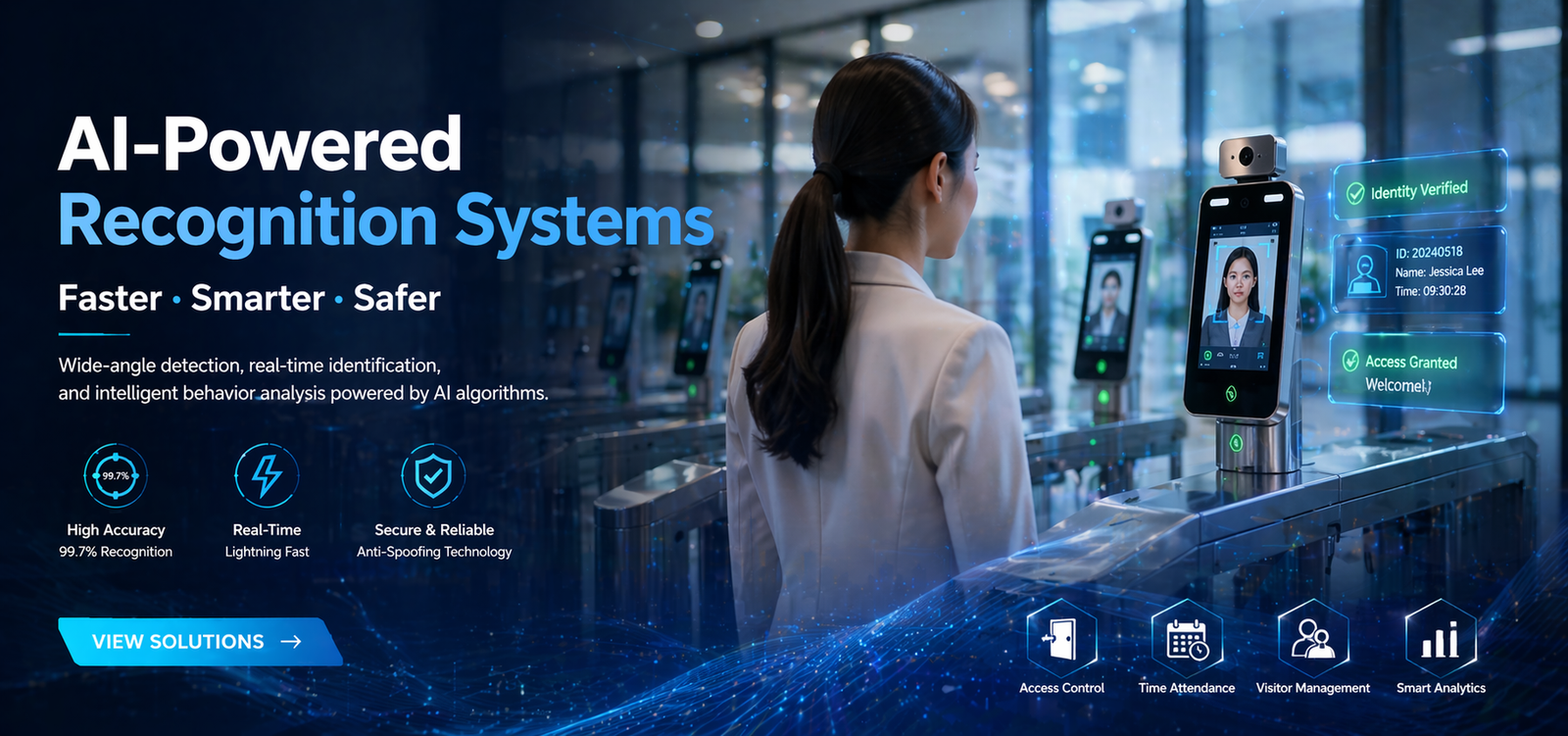
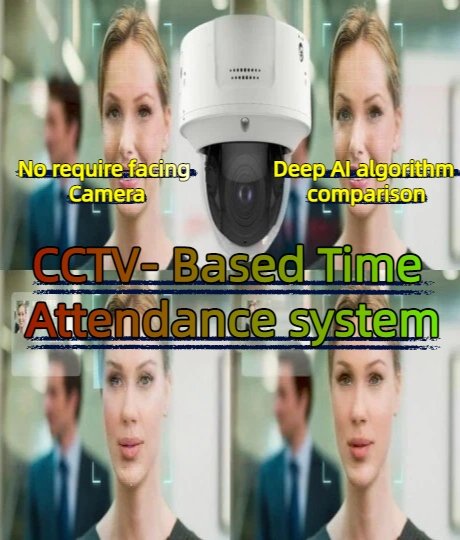
• Hands-free check-in: Automatic clocking by walking by, no camera alignment needed to prevent missed punches

• 0.2~5-meter long-range recognition

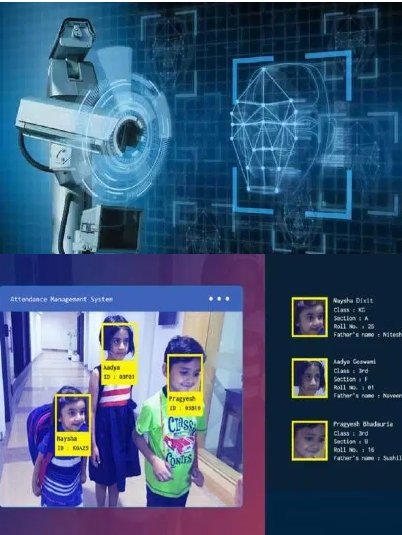
• Group recognition: Simultaneous verification for 10–20 people to ease peak-hour congestion

• Access control: Automatic door unlocking after facial verification

• Efficient & reliable: Streamlines attendance and enhances workplace security

Direct Manufacturer
Support OEM,ODM
Full range of products
Small MOQ
Our Journey

Get more markets for your business

Since the establishment of the company, we have been adhering to the ingenuity, the pursuit of excellence. Our advantage is your advantage, our wonderfulness is your wonderfulness.

Experience
0 + yrs
Exporting Country
0 +
customers
0 +
Success Project
0 %
Rating

What our customers think of us

Rated 4.5 out of 5

The time recognition attendance camera boasts exceptional performance, fast recognition speed. The supplier's suggestions were very practical, and their service was excellent.

Daniel Wilson
Costumer
FAQs

Freguently asked questions

Please contact us if the above does not help you.

Set up a local area network (LAN). Connect the camera and management computer to the same network switch via Ethernet cable, and power the camera with its power adapter. Then install the camera’s software FaceAI System on the management computer and perform the relevant operations in accordance with the product instructions.

First, check if the camera’s power supply and network connection to the computer are on the same switch. If they are correct, try connecting the camera directly to the computer’s network port and configuring the computer with an IP address of 192.168.1.xxx before using the corresponding software to search for it. (Note: The camera’s IP address is set to DHCP by default. If it fails to obtain an IP address, the program will automatically assign the camera to an IP address in the 192.168.1.xxx range.)

In this case, pls check if there are any errors with the camera’s face parameter settings. If you can’t find the problem, the fastest way is to reset the camera to factory settings (using the accompanying software).

When installing software, please disable your computer’s security software to prevent software-related files from being blocked by the security software.

First, check if the server information configured for the camera is correct. Second, check if there is a security firewall affecting the server. Finally, you can use third-party tools for troubleshooting.

First, check if the operating steps are correct according to the instruction manual. Second, try closing the software and repeating the operation. If the problem persists, consider reinstalling the software or contacting the supplier’s technical support for assistance.

Lets Talk

We love challenges big and small - what's yours?

Contact us now, let us work together to create a better future.

viTiếng Việt